Meet Cinema Slate, the digital clapperboard that keeps every take organized
Meet Cinema Slate, the digital clapperboard that keeps every take organized
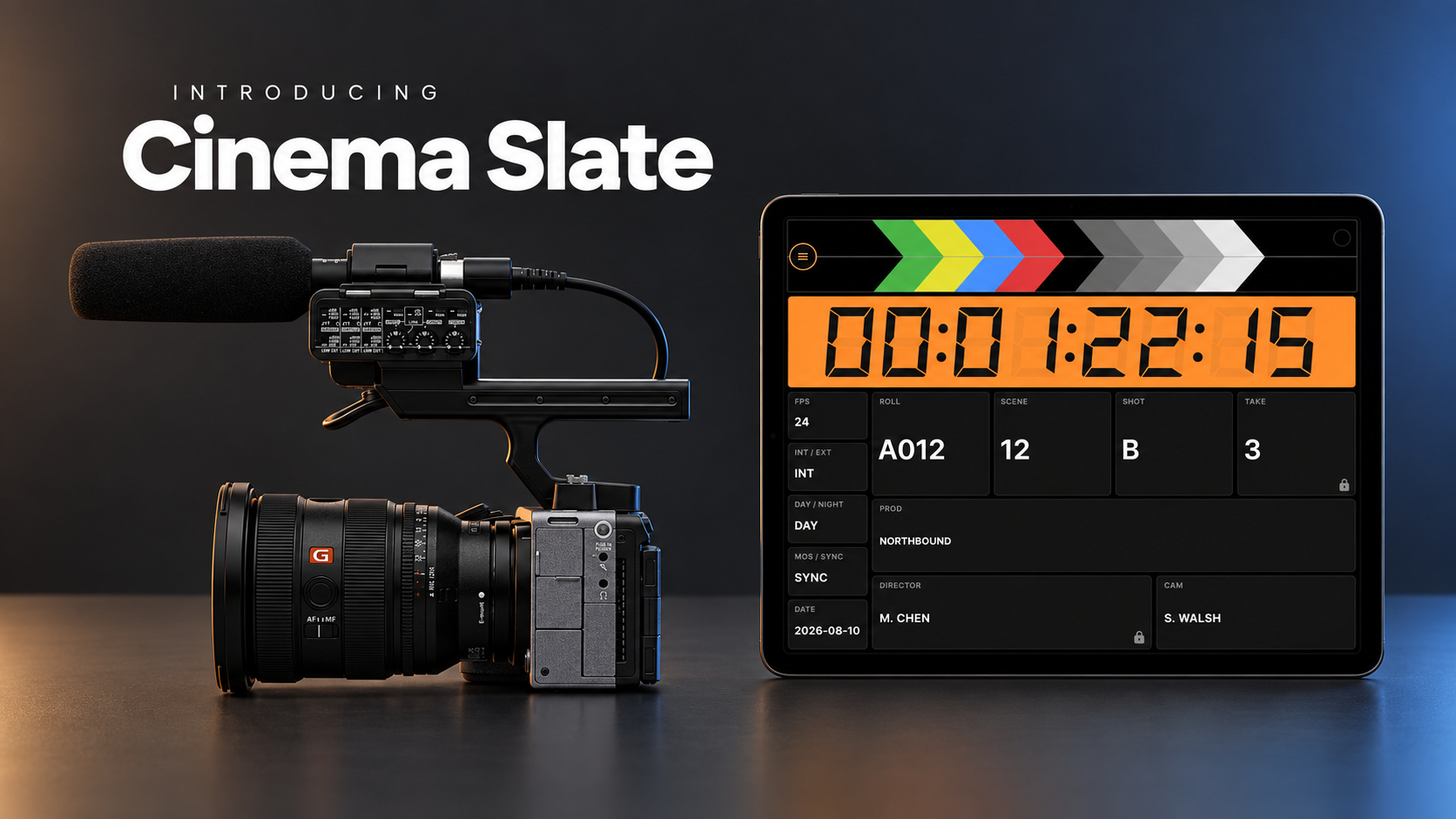
An editor should not have to play detective just to find the right take. Yet production details are easily scattered during a shoot. Take numbers end up on paper, notes live on someone’s phone, and cameras and audio recorders may not share the same timecode. What made sense on set can quickly become a guessing game in the edit. That is the problem we built Cinema Slate to solve. Cinema Slate is a professional digital clapperboard and production slate for filmmakers and videographers. It helps crews mark takes, manage timecode, and build a reliable shot history using the phones, tablets, and computers they already carry. When several slates are being used on the same production, Cinema Slate PRO can synchronize their project metadata and complete take history over the local network in real time. Everyone stays on the same page without having to combine separate logs after the shoot. Cinema Slate also works closely with BT Cam. Clap the sticks and BT Cam can automatically start or stop recording on every connected camera. Together, the two apps form the beginning of a connected Navideck production ecosystem.
From clap to organized shot history
Getting started is simple. Create a project, enter the scene and take information, then tap the digital sticks. Cinema Slate produces an audible clap and screen flash, giving picture and sound a clear synchronization point while saving the details of the take. Crews can record:
- Scene, shot, take, roll, and production day
- Director, director of photography, and camera operator
- Lens, microphone, frame rate, and location
- Interior or exterior, day or night, and sync or MOS
- Industry-style shot codes from A through Z, followed by AA and beyond
Every clap creates an entry in the shot history, complete with its timecode. Add notes, give the take a star rating, or filter the log by scene or shot when you need to find something quickly. The complete log can be exported as a CSV file for editorial. Projects can also be backed up and restored using JSON files. Instead of trying to reconstruct the shoot later, the crew builds a useful production record while filming.
Multiple slates, one shared production history
A film set may have several slates in use at the same time. Without a shared system, each slate can produce its own version of the production log. Slate Sync in Cinema Slate PRO keeps project metadata and the full take history synchronized between nearby Cinema Slate apps over the local network in real time. Each operator can work from a separate phone, tablet, or computer. When someone updates the project or logs a take, that information becomes available to the other connected slates. This gives the production one current history instead of several separate records that need to be compared and combined later. Crews can also protect Slate Sync with an optional passcode while sharing production data across devices.
Professional timecode when you need it
Cinema Slate PRO includes advanced timecode and synchronization tools for productions that need more than a visual and audible clap. It can generate Free Run, Rec Run, or Time of Day timecode, display timecode down to the frame, output LTC audio to compatible cameras and recorders, and jam sync cameras or other production devices. Nearby Timecode can receive timecode from nearby devices over a local network or Bluetooth. Cinema Slate can also broadcast timecode across the set, helping supported slates and cameras stay aligned. For external synchronization, Cinema Slate supports workflows with Tentacle Sync, Blackmagic ATEM switchers, BT Cam, and other LTC devices through audio input or output. Media files containing embedded timecode can also be played directly in the app.
Cinema Slate and BT Cam
Cinema Slate does more than record what happened during a take. Through its integration with BT Cam, it can help control the cameras filming it. Pair the apps over the local network to send or receive timecode. When the sticks are clapped, BT Cam can automatically start or stop recording on every connected camera. One action can mark the take, add it to the production history, and control recording across the camera setup. Cinema Slate can discover BT Cam on the local network, connect to it on the same device, or connect through a manually entered host. This gives multicamera operators and small crews a practical way to manage several cameras from one place. BT Cam supports cameras from Canon, Nikon, Sony, Fujifilm, GoPro, and other manufacturers, making the integration useful for documentaries, commercials, music videos, independent productions, and multicamera shoots.
Free to start, with no subscription
The basic slating features in Cinema Slate are free forever. Cinema Slate PRO adds:
- Slate Sync for sharing project metadata and complete take history
- Secure passcode pairing between slates
- Advanced timecode generation and synchronization
- Unlimited projects and full multi-take logging
- Nearby timecode over network or Bluetooth
- Tentacle Sync, Blackmagic ATEM, BT Cam, and LTC support
- Media playback with embedded timecode
- Multicamera recording control through BT Cam
PRO is a one-time purchase, not a recurring subscription. Buy it once and use the professional features across your devices, whether you work on iOS, Android, macOS, Windows, Linux, or the web app. You can move from a phone on set to a tablet or desktop without buying Cinema Slate again. Start with the free version on your next shoot and give your editor a cleaner, more complete record of every take.
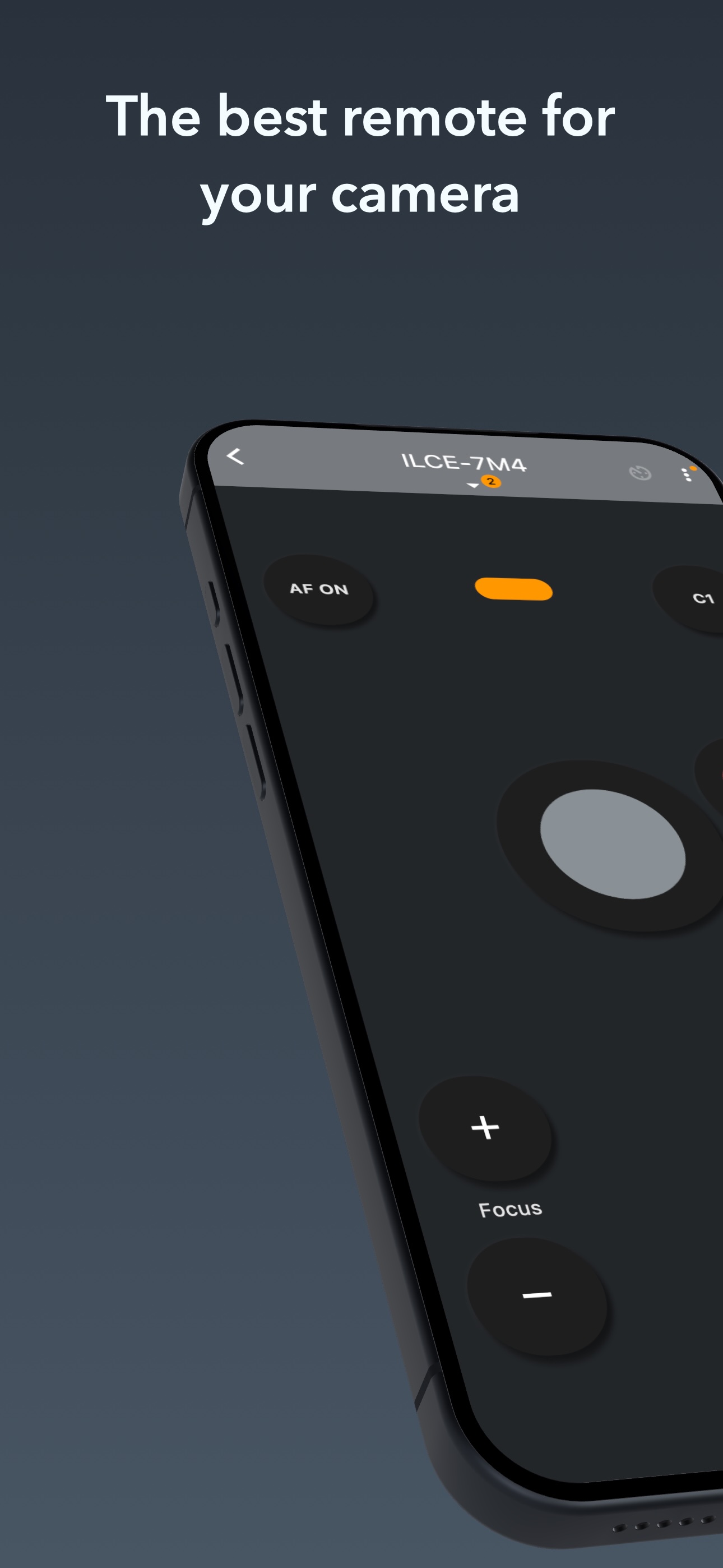
Control Your Camera with BT Cam
Take your photography to the next level with BT Cam - the ultimate Bluetooth camera control app. Connect to your camera wirelessly and unlock powerful remote shooting capabilities.
Download BT Cam